Grammar & Writing
Assistant for iPhone
On the Go
AI-powered grammar correction, spelling fixes, and style improvements — right on your iPhone. Use your OpenAI, Anthropic, or Gemini key, or let Grambo Cloud handle it.
See Grambo in Action
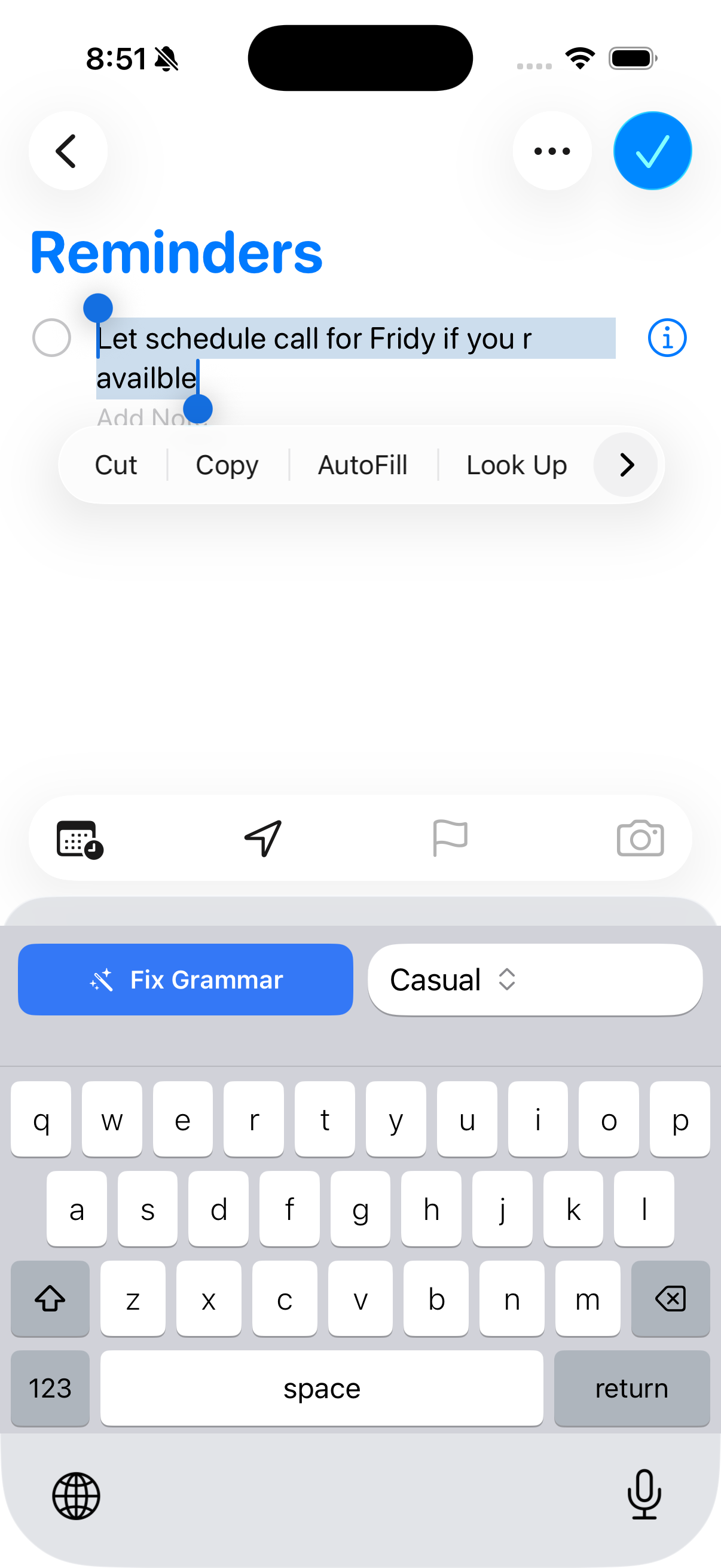
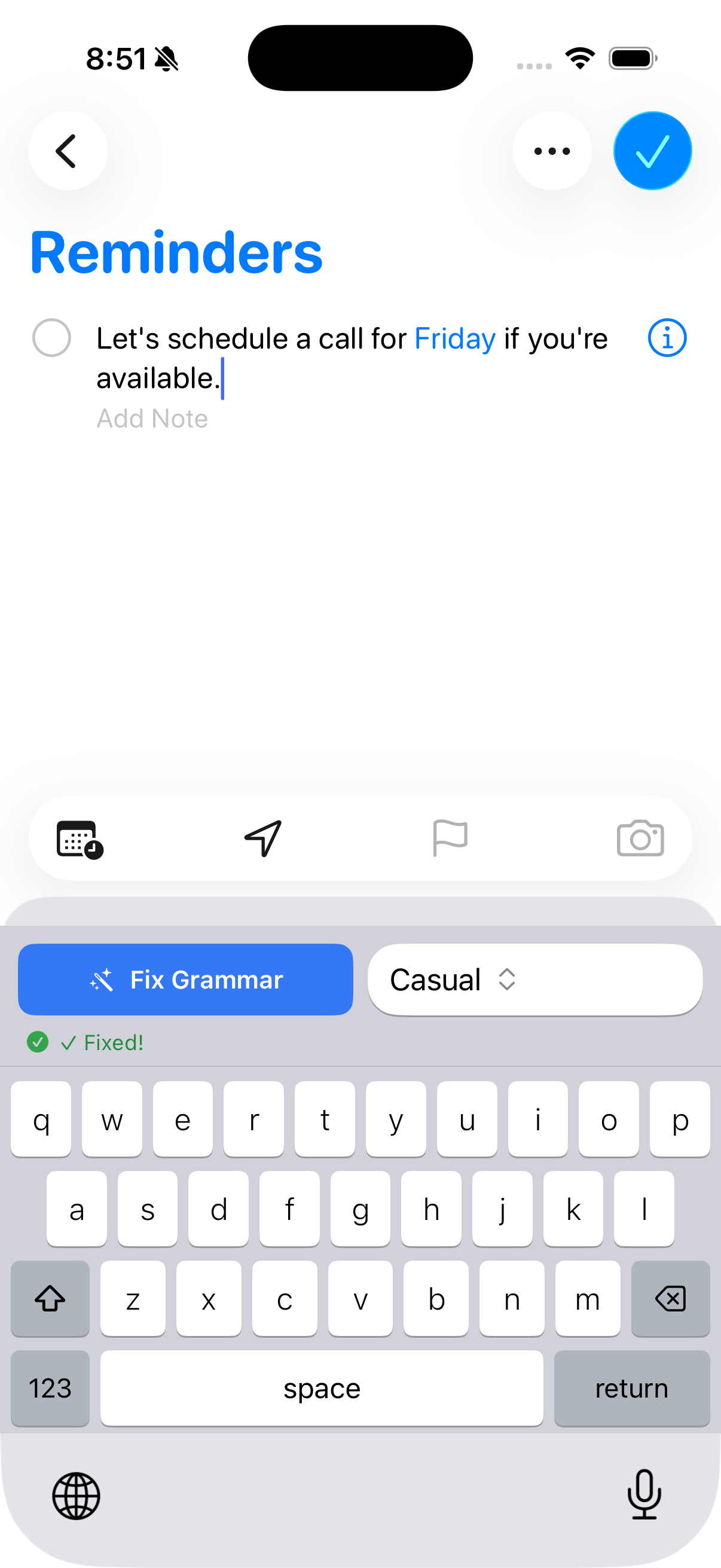
Select your text, tap fix — and see the result instantly on your iPhone.
Get Started in Seconds
Four simple steps to better writing on iOS
Download the App
Get Grambo from the iOS App Store. Free to download, no account required to get started.
Choose Your AI Mode
Connect your OpenAI, Anthropic, or Gemini API key, or use Grambo Cloud for instant, hassle-free AI.
Enable Grambo Keyboard
Add the Grambo keyboard in your iOS Settings to fix grammar right from any app's keyboard.
Write & Fix Instantly
Type anywhere, tap to check, and get instant grammar corrections and style improvements.
Enable the Grambo Keyboard
See exactly how to add and use the Grambo keyboard in your iPhone Settings — fix grammar right from any app.
Go to Settings → General → Keyboard → Keyboards → Add New Keyboard → Grambo and enable Full Access.
Everything you need,
in your pocket
Powerful AI writing tools designed for the iOS experience.
AI Grammar Correction
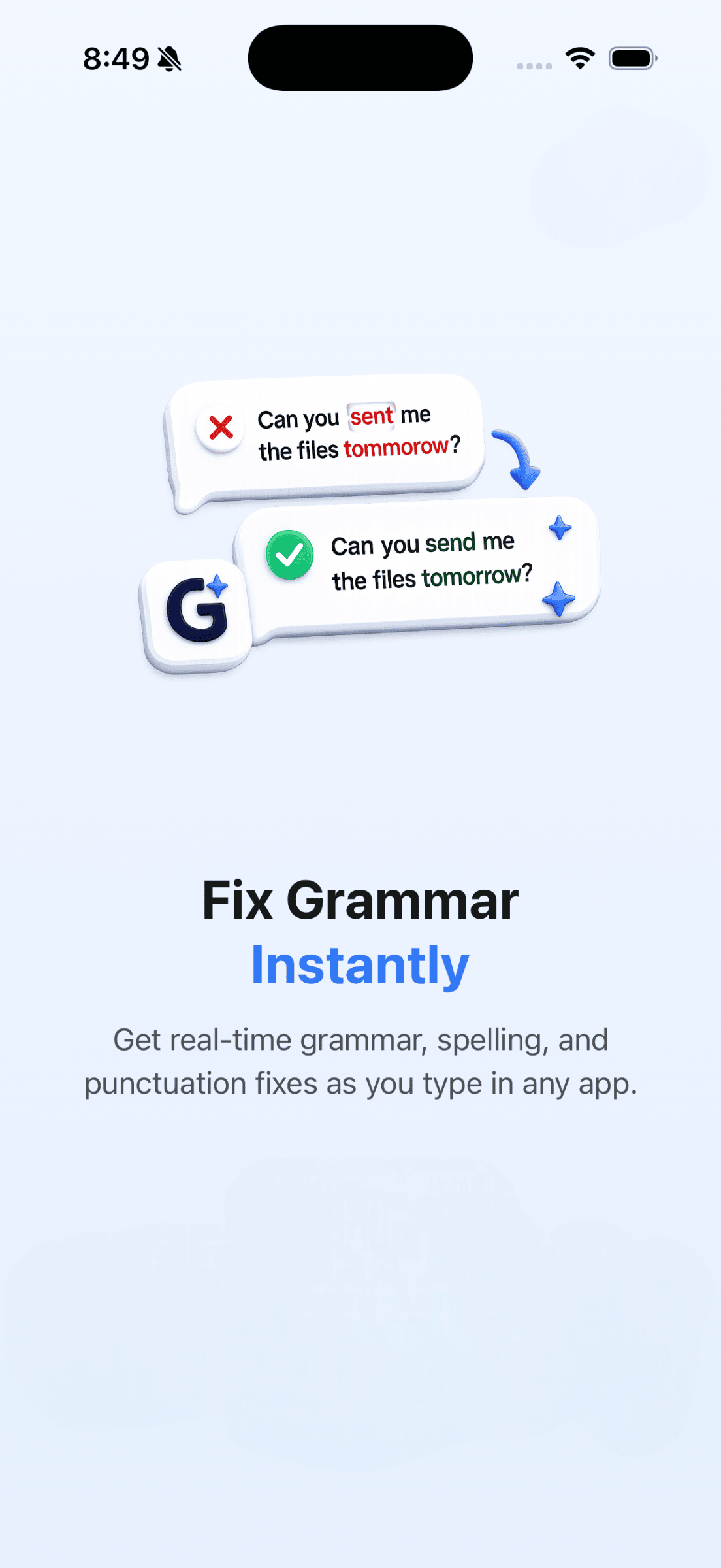
Catch grammar mistakes, fix awkward phrasing, and improve sentence structure — powered by the world's best AI models.
Grambo Cloud
No setup needed. Subscribe and start writing better immediately — Grambo's cloud AI handles everything.
Bring Your Own Key
Use your own OpenAI, Anthropic, or Gemini API key. Full control over your AI model and costs.
Spelling & Punctuation
Catch every typo and punctuation error before you hit send. Works across emails, messages, notes, and more.
Style Enhancement
Go beyond grammar — improve clarity, tone, and flow. Make your writing sound more professional and polished.
90+ Languages
Write in English, Spanish, French, German, Japanese, Chinese, and 85+ more languages. Grambo understands them all.
Privacy First
With BYOK, your text goes directly to your chosen AI provider — not through Grambo's servers. Your writing stays yours.
Up and Running in Minutes
A smooth onboarding experience that gets you writing better, faster.
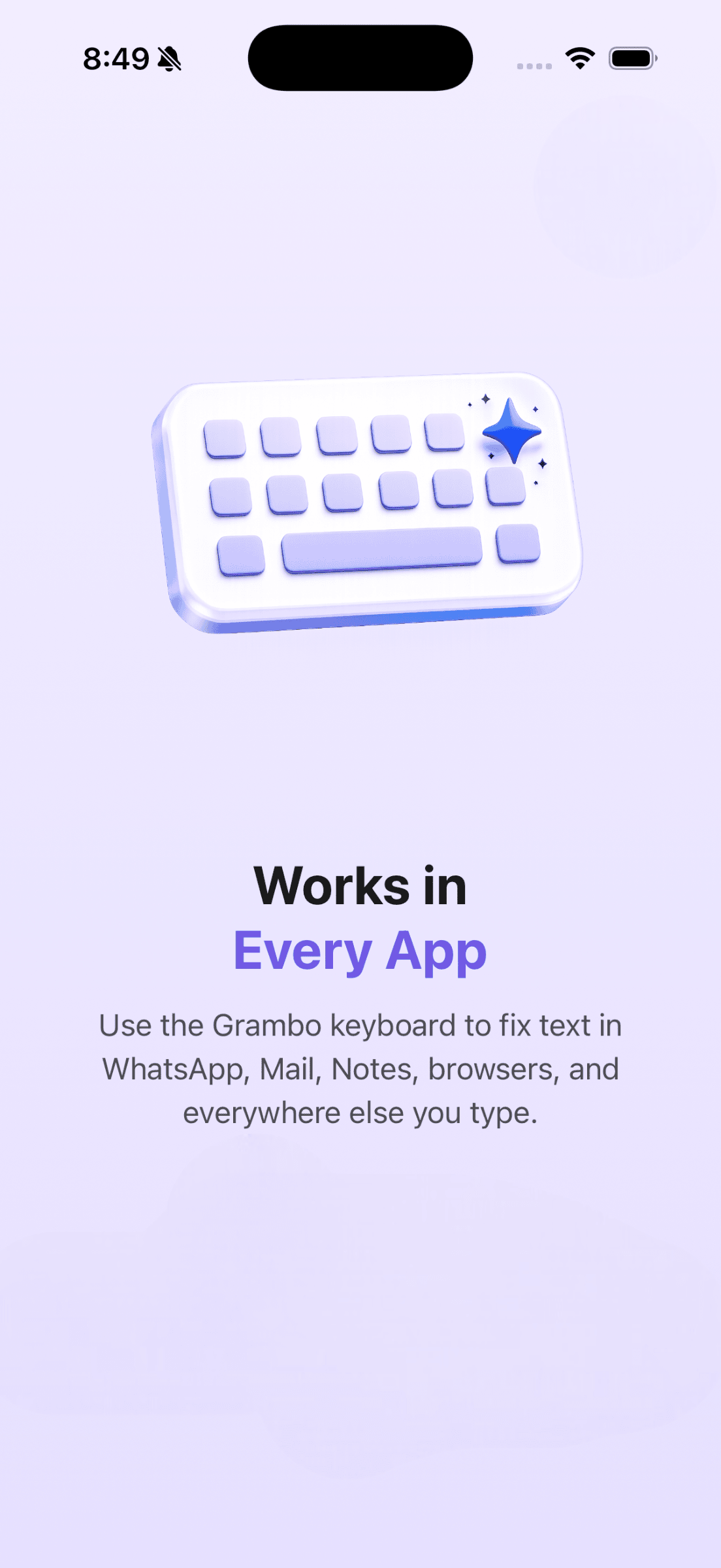
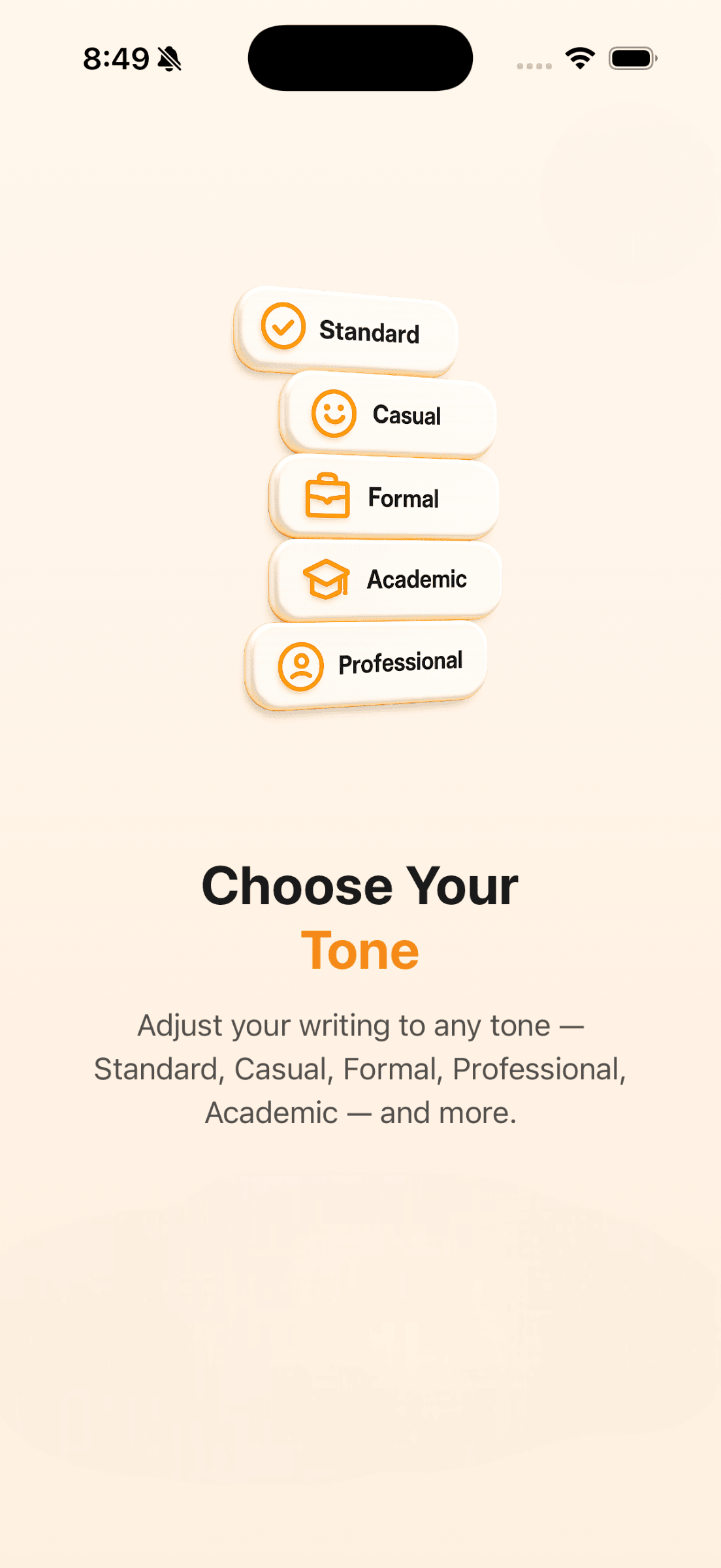
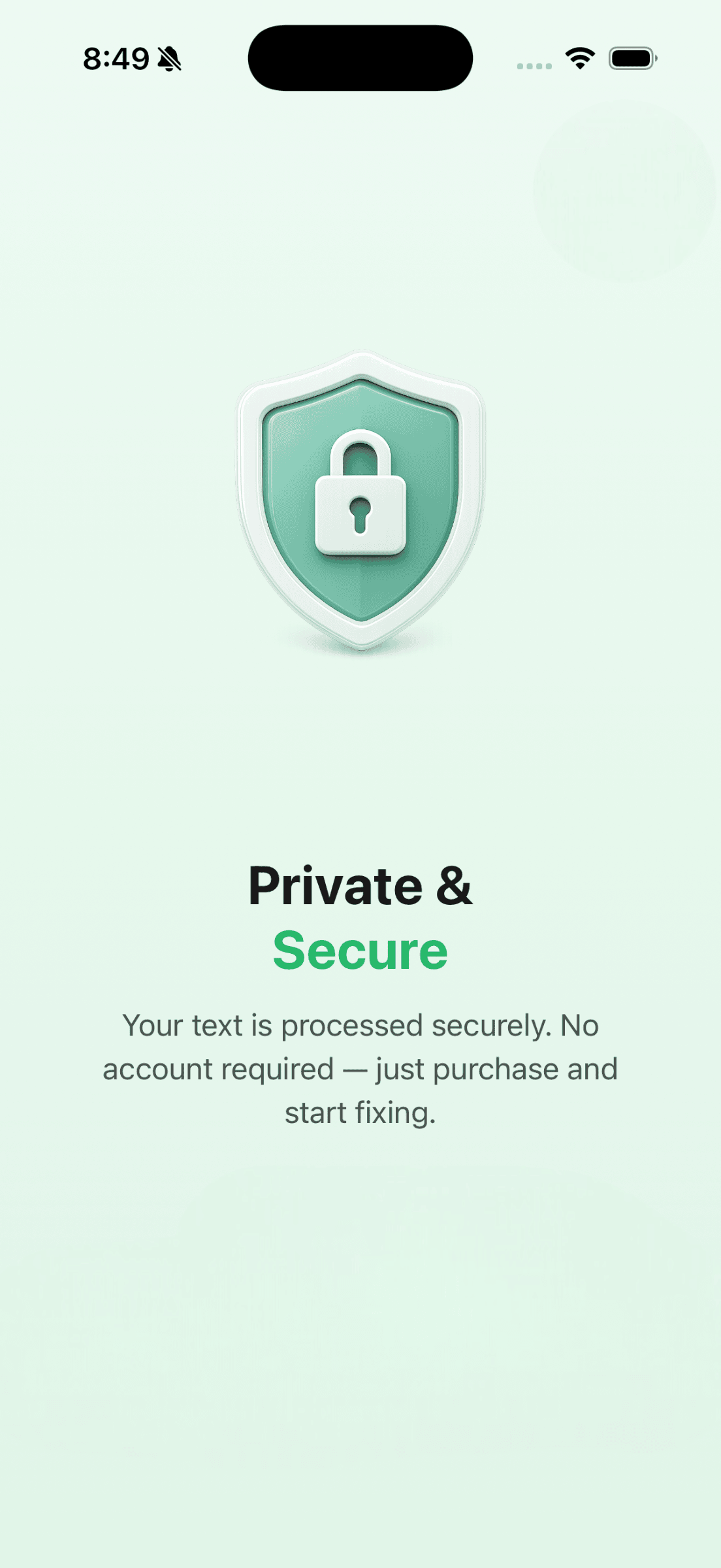
Your Key, Your Control
Grambo for iOS supports two powerful AI modes — use Grambo Cloud for instant access, or bring your own API key for maximum control and privacy.
Grambo Cloud
Subscribe and go. Grambo's managed AI infrastructure — no API keys, no setup, just great writing.
Bring Your Own Key
Connect your OpenAI, Anthropic, or Gemini API key. Use the exact model you want at your own cost.
Best-in-Class Models
Access GPT-4o, Claude, Gemini, and more. Choose the model that fits your workflow and budget.
Switch Anytime
Start with Grambo Cloud, switch to BYOK later — or use both. Full flexibility, no lock-in.
Note: Grambo for iOS uses cloud-based AI (BYOK or Grambo Cloud). Local/offline AI processing is available on the Mac app.

90+
Languages Supported
Write in your language. Grambo understands grammar, style, and nuance across 90+ languages — right on your iPhone.
Simple, Honest Pricing
Available as an in-app purchase on the iOS App Store. Cancel anytime.
Monthly
Billed monthly via App Store. Cancel anytime.
- check_circle Unlimited Grambo Cloud fixes
- check_circle Unlimited BYOK fixes
- check_circle Grammar, spelling & style fixes
- check_circle 90+ languages
- check_circle iPhone (iPad coming soon)
- check_circle Cancel anytime
Lifetime
Best ValuePay once, use forever. No recurring charges.
- check_circle 100 Grambo Cloud fixes/month
- check_circle Unlimited BYOK fixes
- check_circle Grammar, spelling & style fixes
- check_circle 90+ languages
- check_circle iPhone (iPad coming soon)
- check_circle All future iOS updates
- check_circle No recurring charges
Purchases are processed by Apple via the iOS App Store. Prices shown in USD.
Frequently Asked Questions
Have more questions? Reach out at support@gramboapp.com
What AI modes are available on iOS? expand_more
Is there local or offline AI on iOS? expand_more
How does BYOK work on iOS? expand_more
What's the difference between the iOS and Mac app? expand_more
Can I use the same subscription on Mac and iOS? expand_more
How do I cancel my iOS subscription? expand_more
Grambo for Mac
The original Grambo — with local/offline AI, system-wide keyboard shortcut, and native Mac integration. Works in every app on your Mac.
We're Here to Help
Have a question about Grambo for iOS? Browse the topics below or reach out directly — we typically respond within 24 hours.
Contact Support
Have a question, bug report, or feedback? Send us an email and we'll get back to you promptly.
Manage Subscription
Cancel, upgrade, or view your Grambo iOS subscription directly through your Apple ID settings.
Help Center
Browse guides on setting up API keys, using Grambo Cloud, and getting the most out of the app.
Common Support Topics
How do I cancel my subscription?
Go to iPhone Settings → tap your name → Subscriptions → Grambo → Cancel Subscription. Your access continues until the end of the billing period.
How do I restore my purchase?
Open the Grambo app → Settings → Restore Purchases. Make sure you're signed in with the same Apple ID used for the original purchase.
How do I set up my API key?
In the app, go to Settings → AI Mode → Bring Your Own Key, then enter your OpenAI, Anthropic, or Gemini API key. Full guide →
I'm having trouble with the keyboard extension
Go to iPhone Settings → General → Keyboard → Keyboards → Add New Keyboard → Grambo. Make sure "Allow Full Access" is enabled for full functionality.
Request a refund
Refunds for App Store purchases are handled by Apple. Visit reportaproblem.apple.com to request a refund.
Still need help?
Email us at support@gramboapp.com with your device model, iOS version, and a description of the issue. We respond within 24 hours.

Write Better on iOS
AI-powered grammar correction for iPhone. Download Grambo from the App Store and start writing with confidence.
Download on the App Store